Independent Third-Party Support — Serving US, Canada & UK
Real Help for Quicken, QuickBooks & TurboTax Problems — From People Who Know the Software
When your software isn’t working and standard help isn’t cutting it, All Quick Solutions provides independent, one-on-one consultation built around your exact issue — not a generic script.
- Independent service — not affiliated with Intuit® or any software brand
- Private and secure — we never ask for your passwords or account credentials
- Plain-language guidance built around your specific version and setup
Independent Service | Paid Consultation | Not Affiliated with Intuit®
Independent Expertise. Honest Answers. Zero Runaround.
Our advisors bring real, hands-on experience across all three software platforms — and we are upfront about who we are, what our service covers, and what we charge before you commit to anything.
Absolute Privacy Standards
No Hidden Fees, No Surprises
Written Advisory — Your Device Stays Yours
Paid Service with Clear Deliverables
Completely Independent
Cross-Platform Experience
What Is All Quick Solutions?
All Quick Solutions is an independent paid consultation service for individuals and small business owners who use Quicken, QuickBooks, or TurboTax — and need practical, focused guidance to resolve technical issues, setup problems, or persistent errors that standard help resources haven’t fixed.
We are not Intuit. We have no affiliation with Quicken, QuickBooks, TurboTax, or any related software company. Our advisors bring real, hands-on experience across all three platforms — providing plain-language guidance tailored to your specific version, your operating system, and your exact situation rather than a scripted answer from a knowledge base.
Whether the issue is an installation that keeps failing, a bank connection that drops every few days, a QuickBooks company file that won’t open, or a TurboTax return that was rejected — our consultation is designed to help you understand what is actually happening and what the most appropriate next steps are for your setup.
- 10+ Years of hands-on software experience
- Pricing confirmed before you commit
- No passwords or credentials — ever
- Prompt, Focused Response
- Serving US, Canada & UK
- Paid Service with Clear Deliverables
- Independent — Not Official Quicken Support
- Written Guidance — No Remote Access
Three Platforms. One Place to Get Answers.
Every consultation is built around your specific software version, your device, and the exact problem you are facing — not pulled from a generic troubleshooting script.
Quicken Consultation
We provide independent advisory guidance for the full range of Quicken products on both Windows and Mac. Whether your bank connection keeps dropping, your data file is throwing errors, or you have just upgraded and something is not working right — we can help you work through it clearly and methodically.
What we cover:
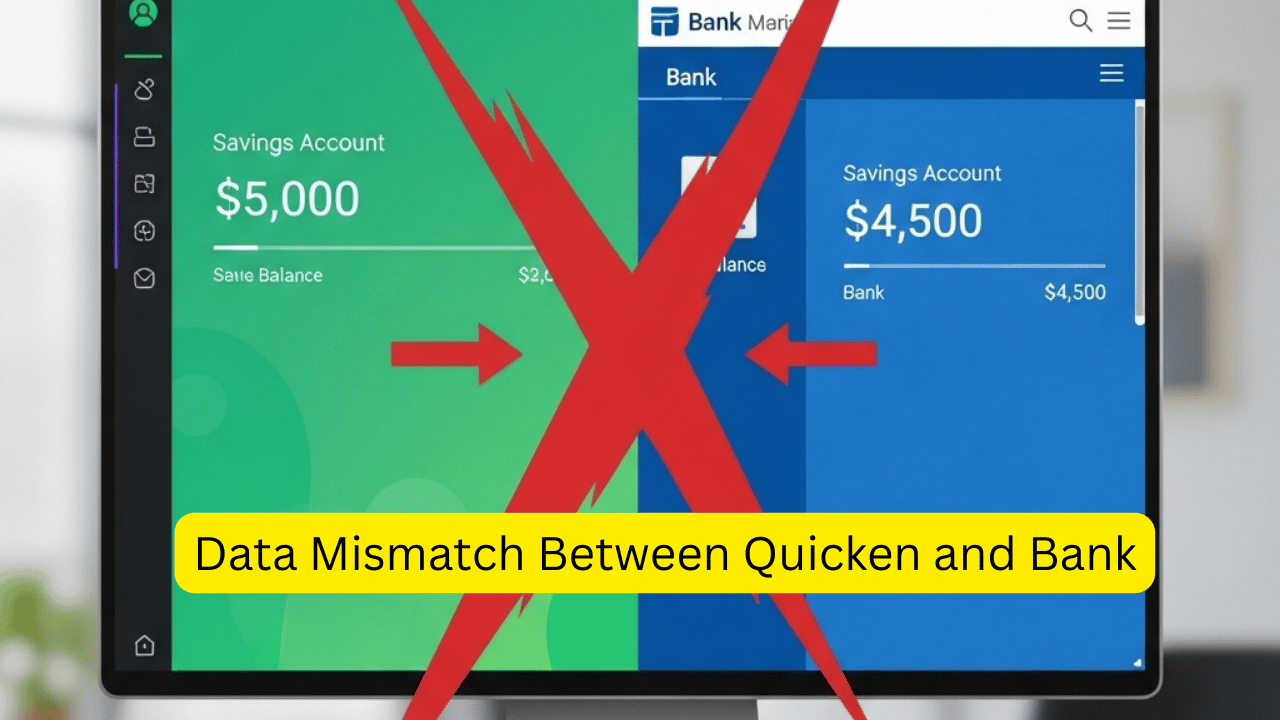
- Bank sync errors and connection failures across Quicken versions
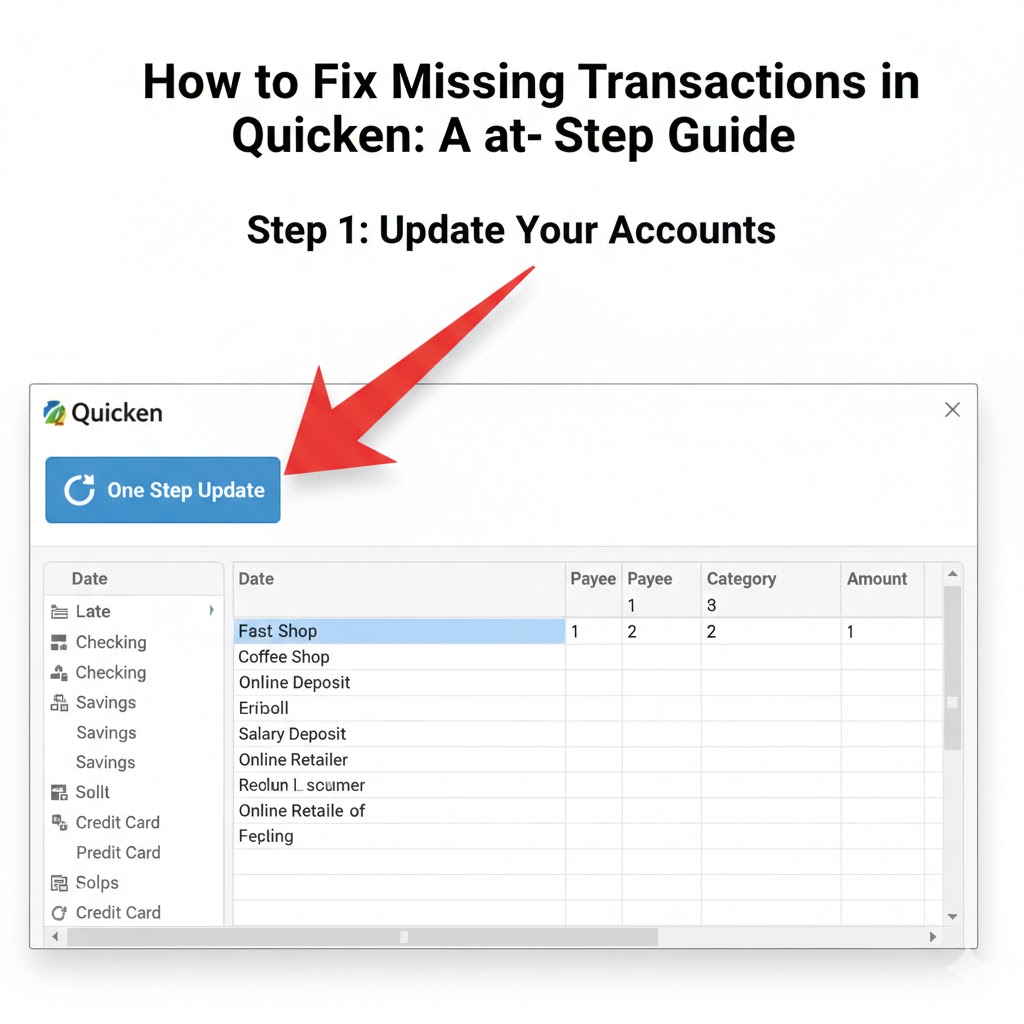
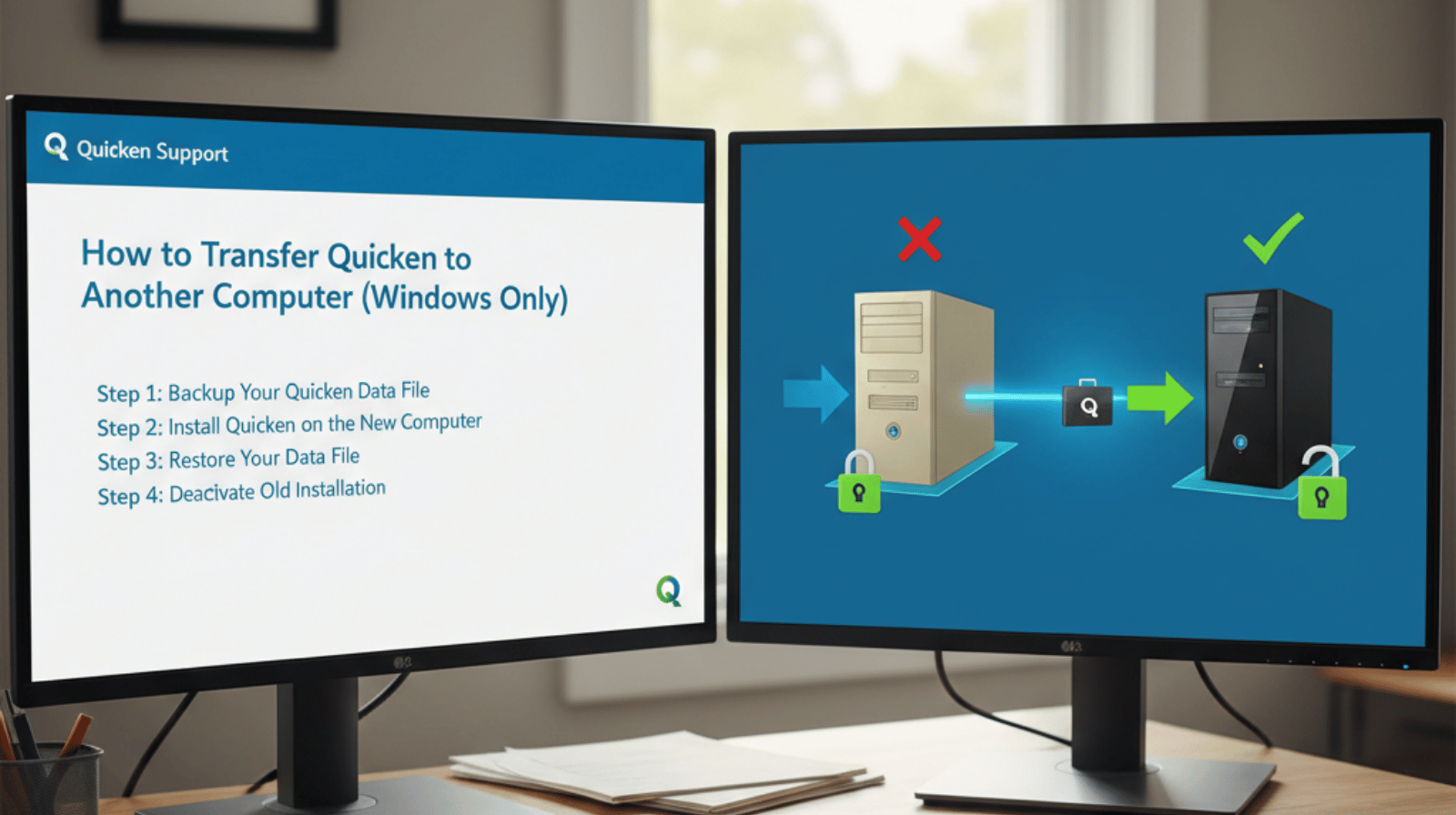
- Installation issues after OS updates or device changes
- Data file errors, validation failures, and corrupt file guidance
- Version upgrade paths and what to do before and after upgrading
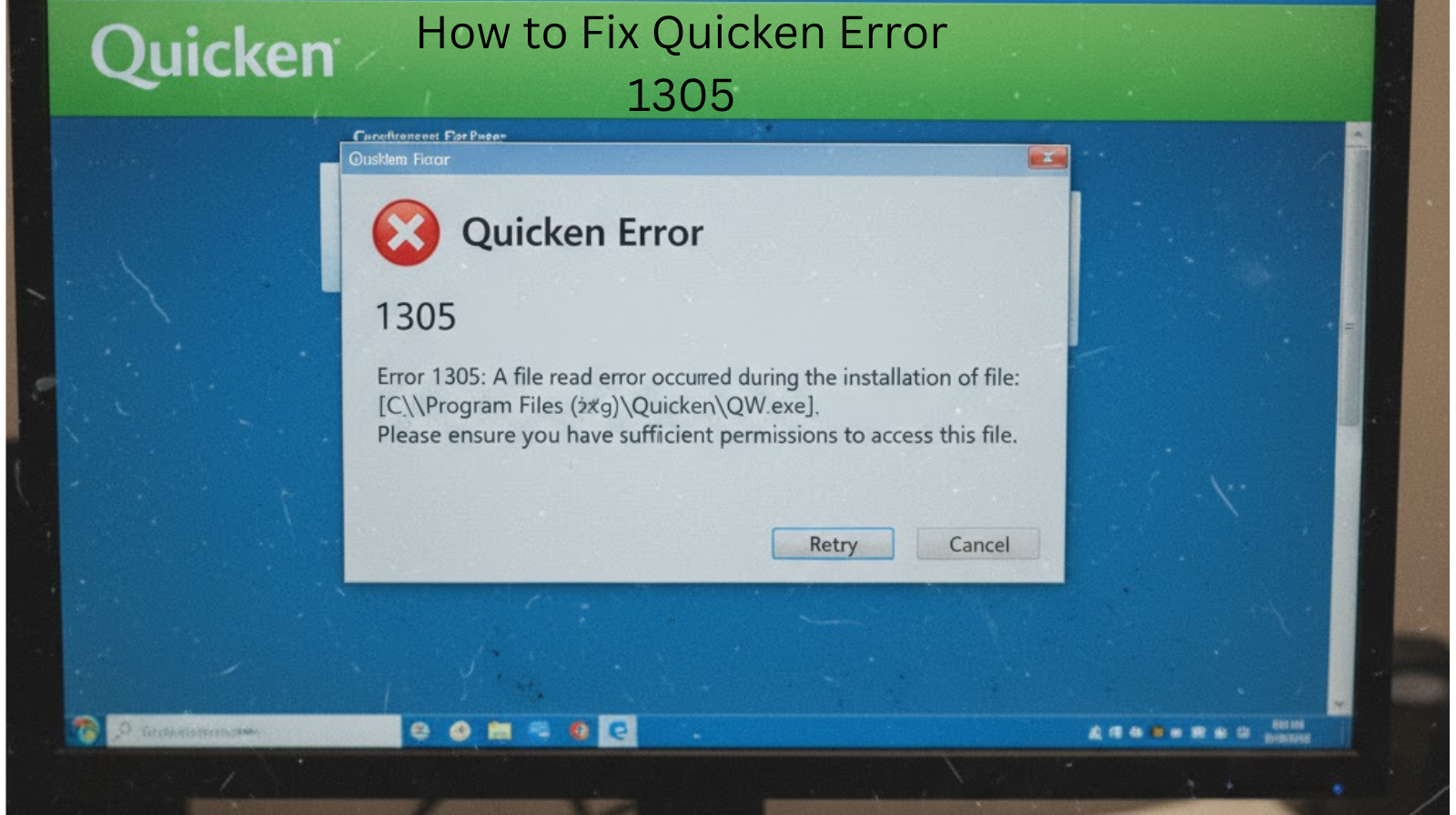
- CC-501, CC-800, CC-103, OL-301 and related error code guidance
QuickBooks Consultation
Independent consultation for QuickBooks Desktop and QuickBooks Online users. From company file problems and payroll questions to reconciliation issues and multi-user setup — we help you understand what is wrong and how to approach fixing it without risking your data.
What we cover:
- Company file errors and recovery guidance
- Bank feed connection and reconciliation issues
- Payroll setup and troubleshooting advisory
- Data file cleanup and performance guidance
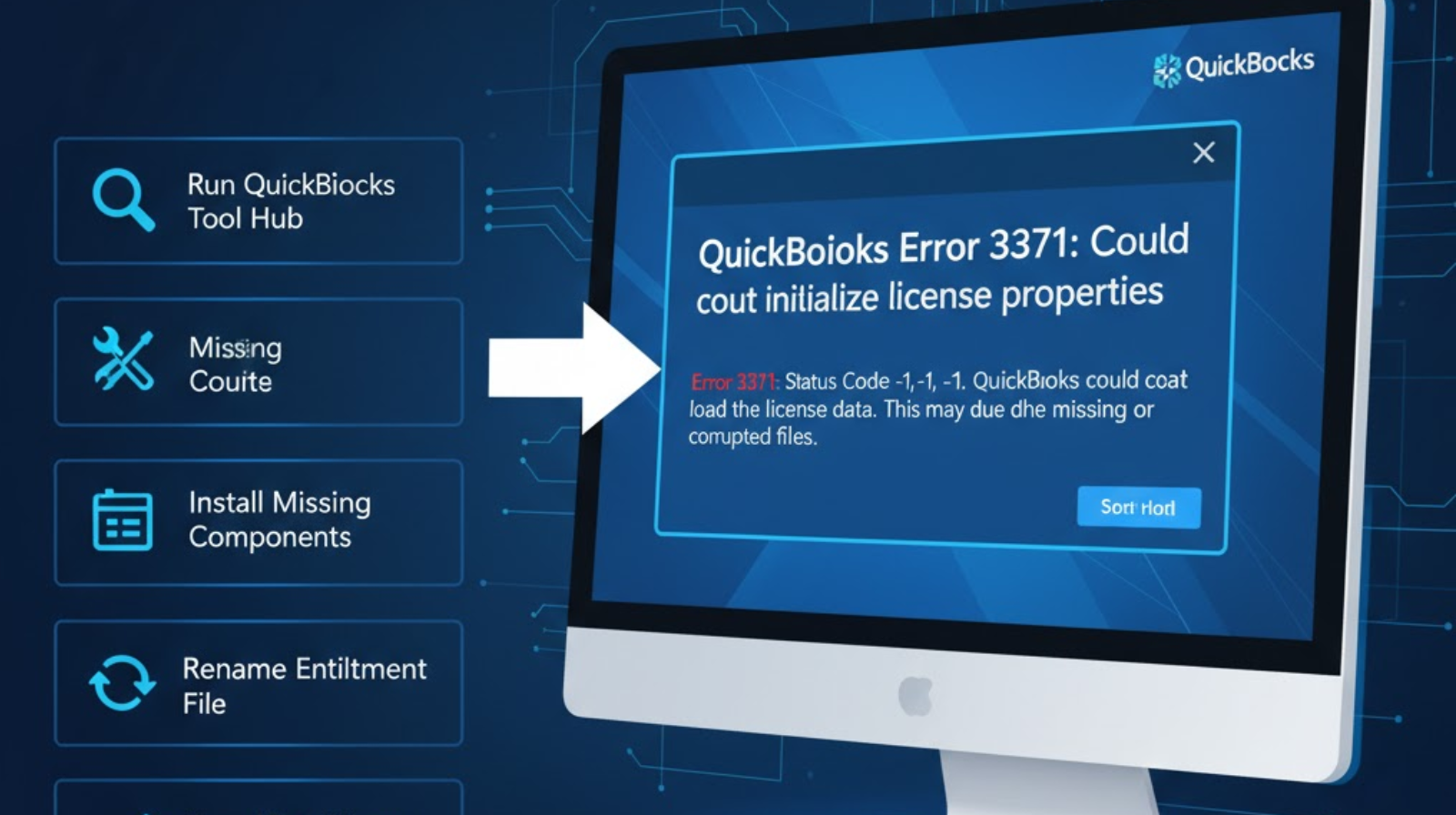
- Error 3371, H202, QBWC errors and related codes
TurboTax Consultation
Filing your taxes should not be this complicated. We provide independent guidance for TurboTax users dealing with import errors, state return problems, prior year data transfer issues, and filing questions that the product help centre does not answer clearly enough for your specific situation.
What we cover:
- Prior year data import and transfer failures
- W-2 and 1099 import error guidance
- State return filing issues and workarounds
- Self-employed and small business filing consultation
- TurboTax error message explanation and resolution steps
Error Code & Data File Consultation
Some problems cut across all three platforms — corrupt data files, failed updates, software conflicts, and error codes that appear without explanation. We help you understand exactly what the error means, what caused it, and what the most appropriate steps are before you make the situation worse.
What we cover:
- Error code identification and plain-language explanation
- Data file integrity checks and recovery guidance
- Software conflict diagnosis across Windows and Mac
- Guidance on when the right answer is to contact official support directly
- Pre-action consultation to prevent data loss before attempting fixes
HOW IT WORKS
Contact Us With Your Issue
We Confirm Scope and Fee
Receive Your Written Guidance
What to Have Ready
What You Receive
What We Never Do
Recognise Any of These?
These are the issues that bring most people to us. If one of these sounds familiar, an independent consultation may be exactly what you need.
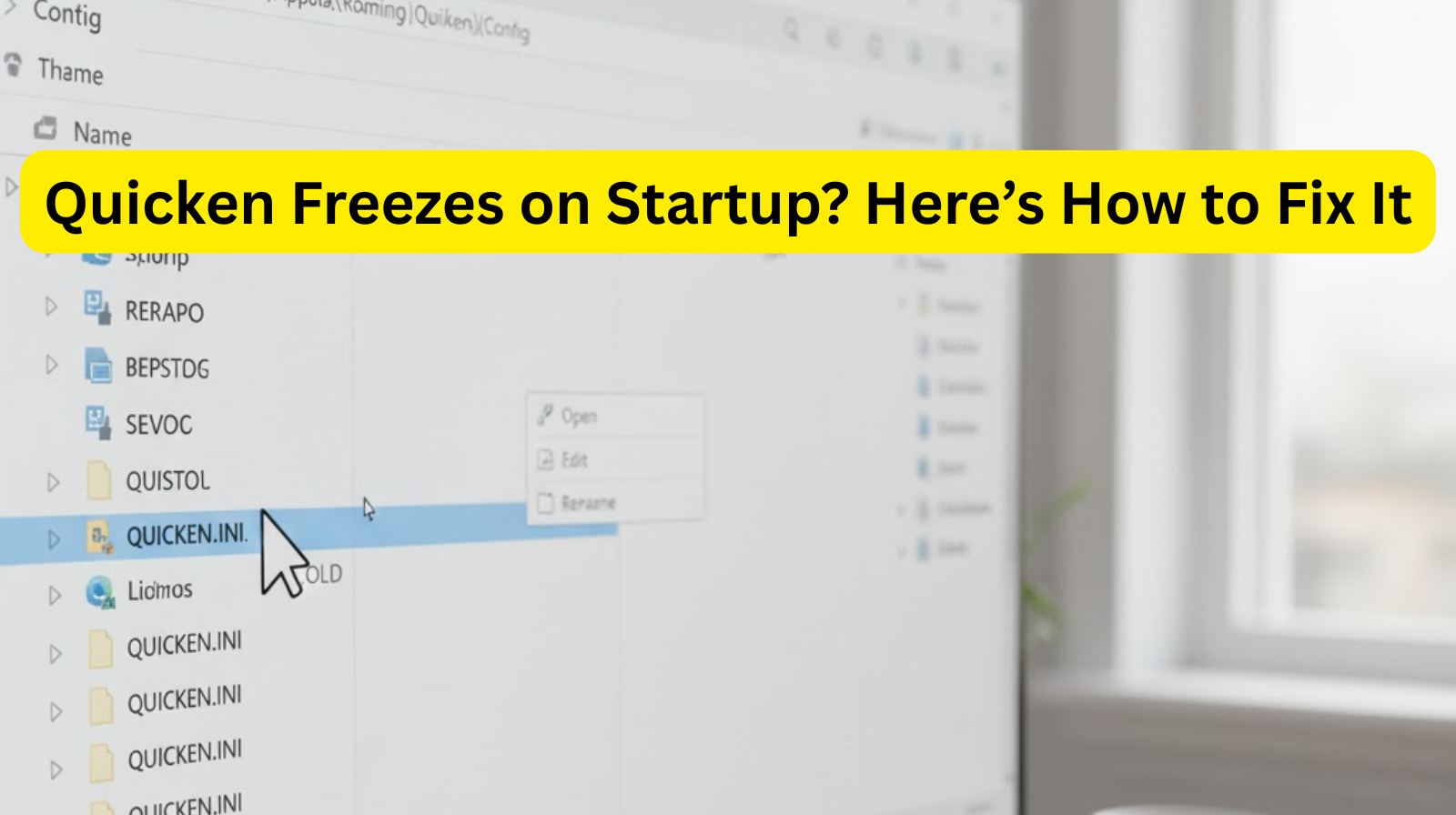
Quicken Freezes or Won't Start
You open Quicken and it stalls on the loading screen or crashes before the dashboard appears. This often follows a Windows update, a new device setup, or an abrupt system shutdown. Usually connected to a .NET framework issue, a permission conflict, or a damaged program preference file.
Bank Accounts Stopped Syncing
Your accounts show as connected but transactions have stopped downloading — sometimes for days. This is usually triggered when your bank changes its authentication method or connection protocol without warning, and Quicken has not yet caught up.
QuickBooks Company File Error on Startup
QuickBooks either refuses to open the company file or opens it with a warning about data damage. Attempting to fix this without guidance risks making the situation worse. The correct approach depends on the specific error code and your QuickBooks version.
TurboTax Won't Import Last Year's Return
Prior year import fails silently or throws a vague error message. This is more common than it should be and is often caused by a file format mismatch, a PDF import limitation, or a version incompatibility between your current and previous TurboTax installations.
Duplicate Transactions After Reconnecting an Account
After deactivating and reactivating a bank connection, Quicken or QuickBooks imports weeks of duplicate transactions. Left unaddressed, this corrupts your account balances and financial reports. Clearing this requires a specific approach depending on how far back the duplicates go.
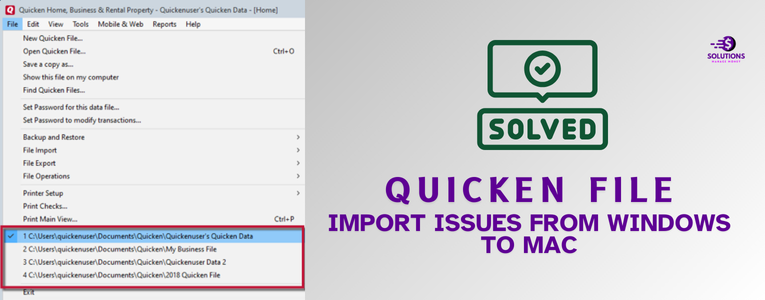
Data File Won't Open After Upgrading
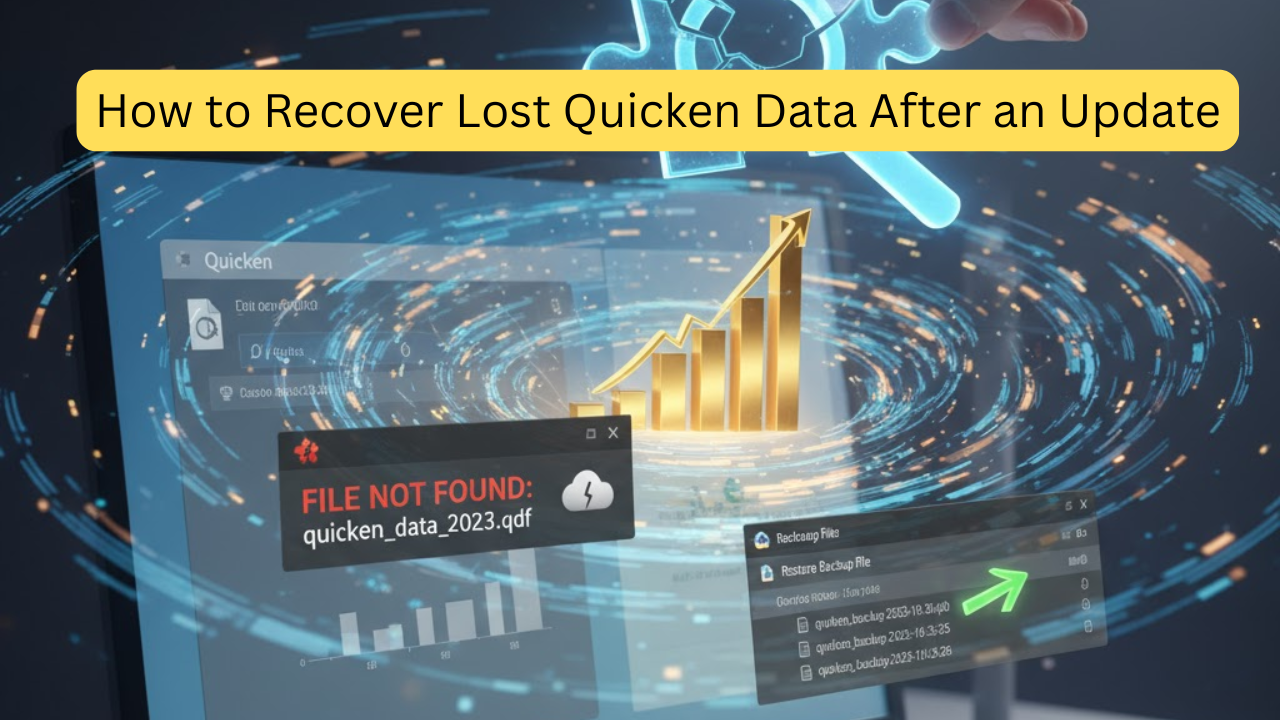
After upgrading to a newer version of Quicken or QuickBooks, your existing data file either refuses to open or opens with validation errors. This is almost always preventable with the right pre-upgrade steps — and largely fixable with the right post-upgrade approach.
Please note: For billing disputes, subscription cancellations, account access recovery, or anything requiring action on your Intuit or Quicken account directly — please contact the official support channels for those products. We are fully independent and cannot act on your behalf with any software company.
Why Choose Us
Practical Guidance Built Around Your Actual Setup
When you are stuck on a software problem, you do not need a templated answer from a knowledge base. Our independent paid consultation is built around your specific version, your operating system, and your exact situation.
No Brand Agenda
We have no relationship with Intuit, Quicken, QuickBooks, or TurboTax. No upsell goals, no brand script to follow. Our only objective is giving you guidance that is accurate and useful for your situation.
Credentials and Privacy Protected
We will never ask for your software login, your bank password, or any financial account information. Not at any stage, not under any framing. Advisory guidance only — your accounts stay yours.
Upfront About Being a Paid Service
We are transparent that this is a paid consultation. The fee is confirmed before you commit. No surprise charges after the fact, no bait-and-switch, no unexpected invoices.
Version-Specific and System-Specific
Click edit button to change this text. Lorem ipsum dolor sit amet consecte.
Transparent Pricing — Confirmed Before You Commit
Fees clearly stated before you commit. Choose the tier that fits your Quicken issue’s complexity
Single Issue — Basic Consultation
Best suited for a single, focused software question or a specific error code you need explained and resolved.
One focused issue or error code addressed
Written advisory consultation response
Step-by-step guidance for your version and OS
Response within 1 business day
One follow-up clarification exchange included
Most Popular badge — Standard Consultation
Best suited for bank sync problems, multi-step errors, version migration questions, or issues with more than one contributing cause.
Full issue assessment covering root cause and contributing factors
Comprehensive written advisory response
Related sub-issues addressed within the same consultation
Priority same business day response
Two follow-up exchanges included
Complex Issues — Advanced Consultation
Best suited for data migration, multi-account problems, company file recovery, or persistent issues that have resisted multiple previous fix attempts.
Complete case review and in-depth root cause analysis
Comprehensive written advisory document
Data migration, multi-account, or company file guidance included
Version upgrade strategy and backup planning covered
Response within 4 business hours
Up to four follow-up exchanges included
Stop Searching for Answers That Don't Quite Fit Your Situation
A focused paid consultation gives you guidance built around your exact software version, your operating system, and your specific problem — not a generic article written for a different setup.
Submit a Consultation Request
Describe your issue and our team will review your request, confirm the scope and fee, and follow up before any payment is taken. No obligation at submission.
- Email: contact@allquicksolutions.com
- Response Time: Mon–Fri, 9am–6pm EST. All requests reviewed during business hours.
- Regions Served: United States, Canada, and United Kingdom
Before You Submit — Please Read:
This is a paid independent consultation service
Not affiliated with Quicken®, QuickBooks®, TurboTax®, or Intuit®
We never ask for passwords or financial credentials
Fee is confirmed before any charge is made Written guidance only — no remote access to your device
Frequently Asked Questions
No. All Quick Solutions is a completely independent, privately operated third-party consultation service. We have no affiliation, connection, partnership, or endorsement relationship with Intuit®, Quicken®, QuickBooks®, TurboTax®, or any related entity. For official brand support, please visit the software publisher’s website directly.
Official support channels are valuable and we actively encourage their use for account-level issues. Some users find independent consultation more useful for complex technical setups, persistent errors, or situations where they want a focused second opinion tailored to their specific version and system. Our service is a paid complement — not a replacement for official channels.
Never. We do not ask for your Quicken login, your QuickBooks password, your Intuit credentials, or any bank or financial account details at any stage of the consultation. We do not perform remote access to your device. Our service is advisory guidance delivered in writing — nothing beyond that.
We review your issue and follow up to confirm the consultation scope and any applicable fee. You are under no obligation at this stage. Payment is only requested after you agree to proceed. Once confirmed, your consultation is assigned and delivered within the timeframe for your selected tier.
We cover current and recent versions of Quicken (Starter, Deluxe, Premier, Home & Business), QuickBooks Desktop and Online, and TurboTax for personal and self-employed filers — on both Windows and Mac operating systems.
Our fee covers the advisory guidance provided — not a guaranteed resolution outcome, as results depend on your specific system and factors outside our direct control. We are clear about this before any payment is made. If you believe the guidance delivered was not relevant to the issue you described, please contact us and we will review the case.